

Private by default
Only people with your link and their own phone number get in. Block a number and that person never sees a thing.
A private invitation site, built for one event. Guests RSVP with their phone number, pay you directly, and walk in with a QR code that only works once you've marked them paid.
No ticket fees. No app for your guests. Gone after the party.
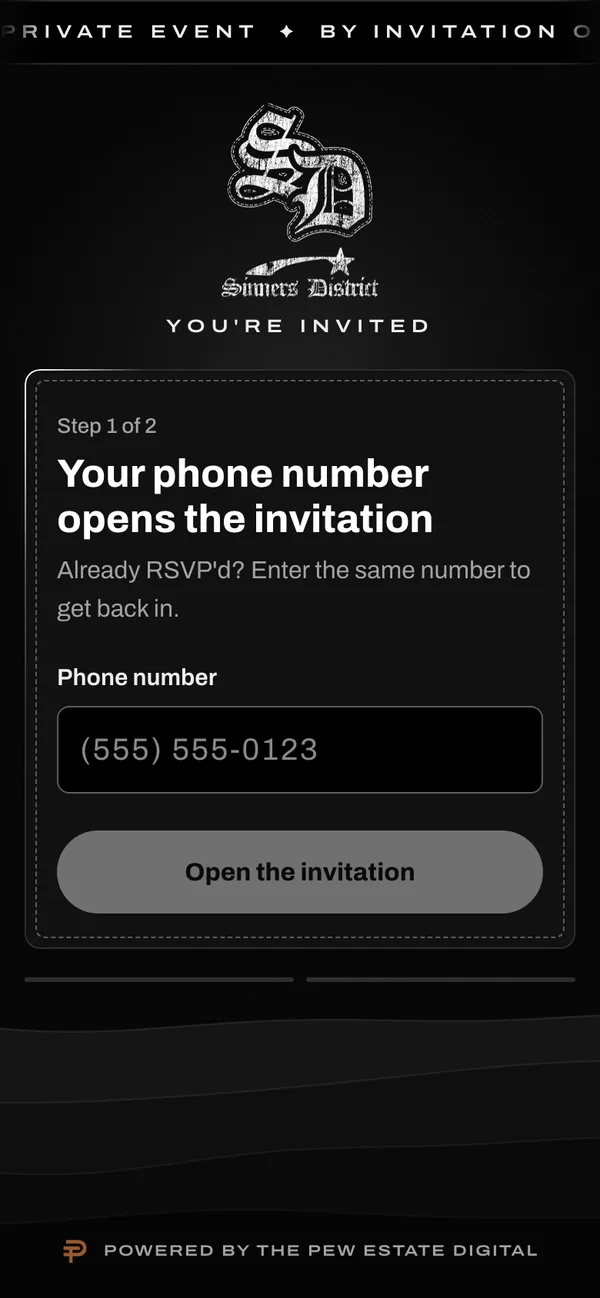
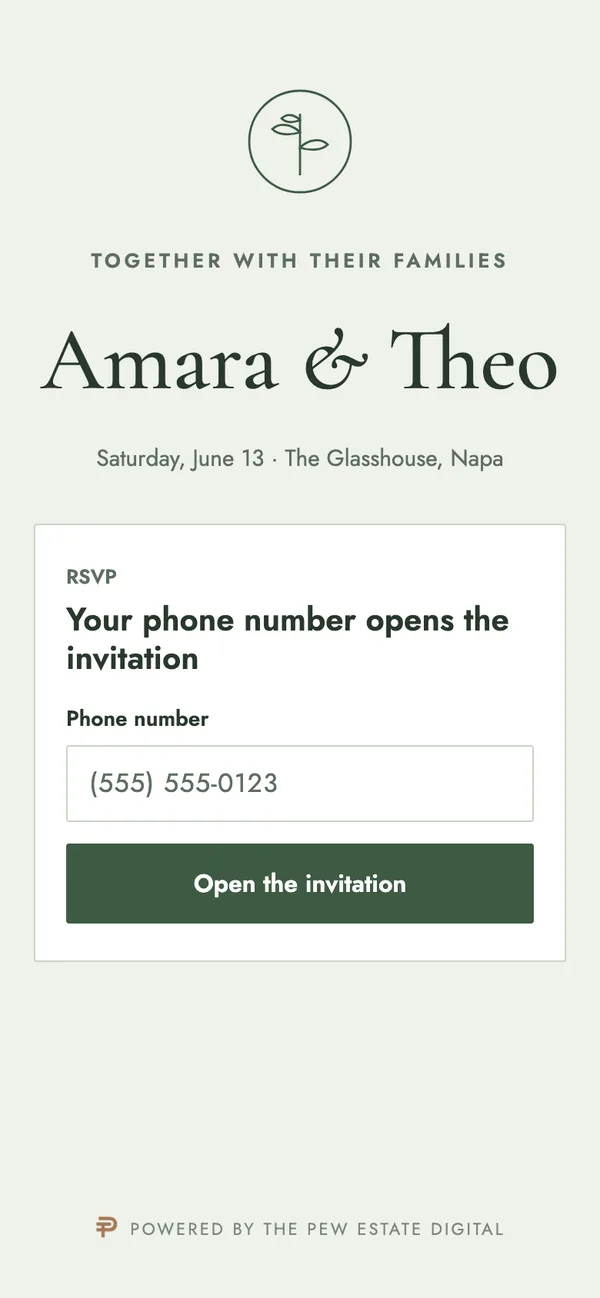
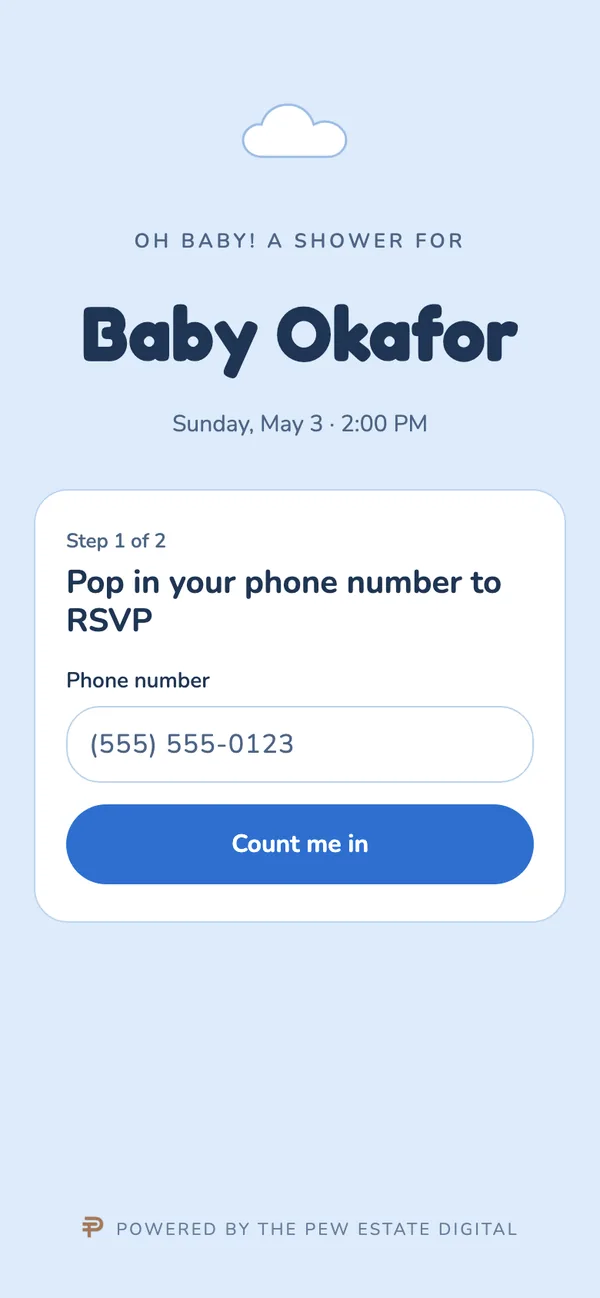
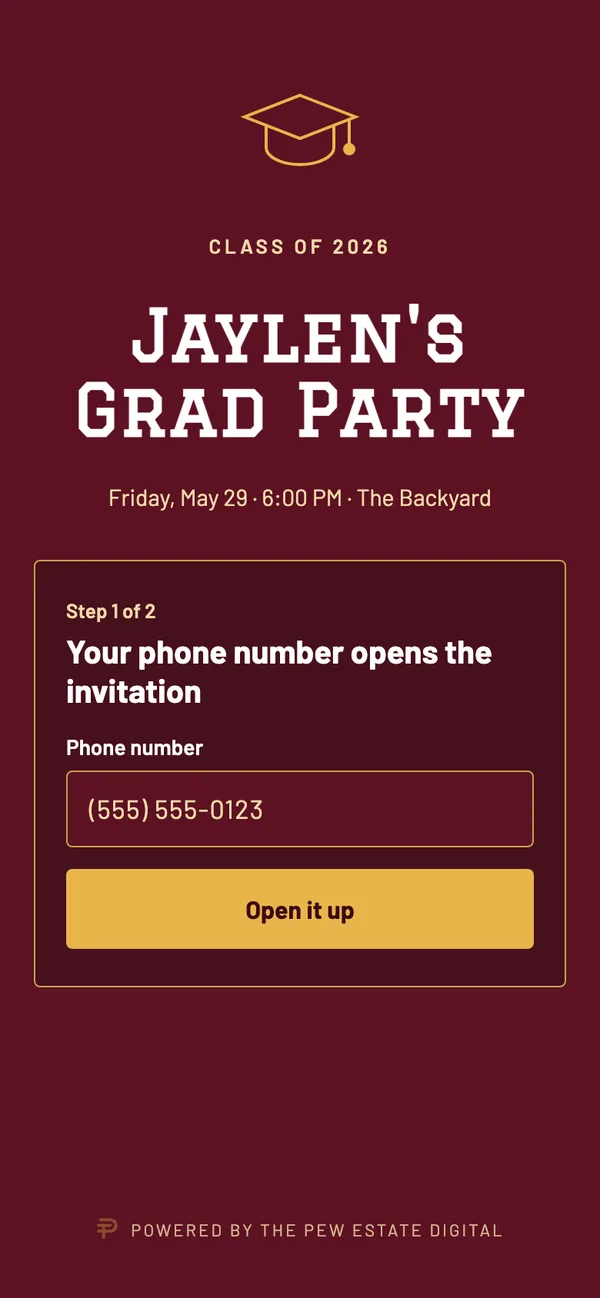
Ticketing sites are made to sell seats to strangers. Your party isn't for sale, so the site works differently.
This is what your guests see. RSVP as a guest, then switch hats: mark yourself paid as the host and watch the door code unlock.
You're on the list.
Waiting for the host to confirm payment
Pay $80 by Zelle to Kayla, (555) 010-0199, by Friday.
No RSVPs yet. Open the invitation on the phone and RSVP.
Fill in the quote form: the date, roughly how many guests, and anything you already have. A flyer, photos, a color.
Your site is built from your flyer, so it looks like your party and not a template. You see a preview before anyone else does.
Send it by text or drop it in the group chat. The preview names no one, so a surprise stays a surprise.
They type their phone number, RSVP with the name of everyone they're bringing, and pay you however you take money. You get an email for every RSVP.
Mark guests paid from your dashboard and their code unlocks. At the door, any phone with a camera checks them in.
After the party, the site comes down.
Each site starts from the host's own flyer. One real event, three samples. Tap one to look closer.
Only people with your link and their own phone number get in. Block a number and that person never sees a thing.
Group-chat previews show "You're invited" and nothing else. No names, no dates, nothing to spoil it.
Guests bringing people list them by name, so your door list is real people, not "+3".
Set the price and the due date. See who owes at a glance, mark them paid in one tap, and their pass lands in their inbox.
Any phone scans. Unpaid codes are turned away, and a code can't get in twice.
Guests return to their invitation without signing in again.
You hear the moment someone says yes, or changes their answer.
Keep the address hidden, then post it and every guest sees it at once.
One tap, worded so a shared calendar doesn't give anything away.
On a ticketing site, every guest pays a service fee on top of the ticket. Move the sliders to see what that adds up to for your event.
Free event? Ticketing sites don't charge for those either. You'd still get a private link, surprise mode and a door list with everyone's name.
Uses the largest ticketing site's published U.S. fees for paid events: 3.7% plus $1.79 per ticket, plus 2.9% payment processing, checked October 2026. Assumes one ticket per order.
Every event is different, so there's no price list. Three quick steps and you'll get a flat quote back. Asking is free.
Your reference is . A copy is on its way to your email, so check spam if you don't see it.
A copy is on its way to your email, so check spam if you don't see it.
Anything else, ask in the quote form. A real person reads every one.
It depends on the event: how many guests, whether they pay you, and how custom the design is. Send the form and you'll get one flat quote. There are never fees on your guests' tickets.
Tell us your date in the form. Once we have your flyer or photos, most sites are quick to build, and if your date is tight we'll tell you straight away.
No. They open your link, type their phone number and RSVP. Coming back later on the same phone takes them straight to their invitation.
Directly to you, the way you already take money: Zelle, Cash App, Venmo or cash. The site shows them how and when. You mark them paid from your dashboard and their door code unlocks.
Yes. Link previews in group chats say "You're invited" and nothing else, you can block the guest of honor's number, and every page reminds guests to keep quiet.
The site goes offline the day after. You can still sign in for 14 days after the event to download your guest list, then it's deleted.
Your site lives at yourname.seemyevent.com. If you'd rather use a domain you own, mention it in the form.
Anything with a guest list: birthdays, weddings, showers, graduations, reunions, anniversaries, work parties. If people RSVP, it fits.
